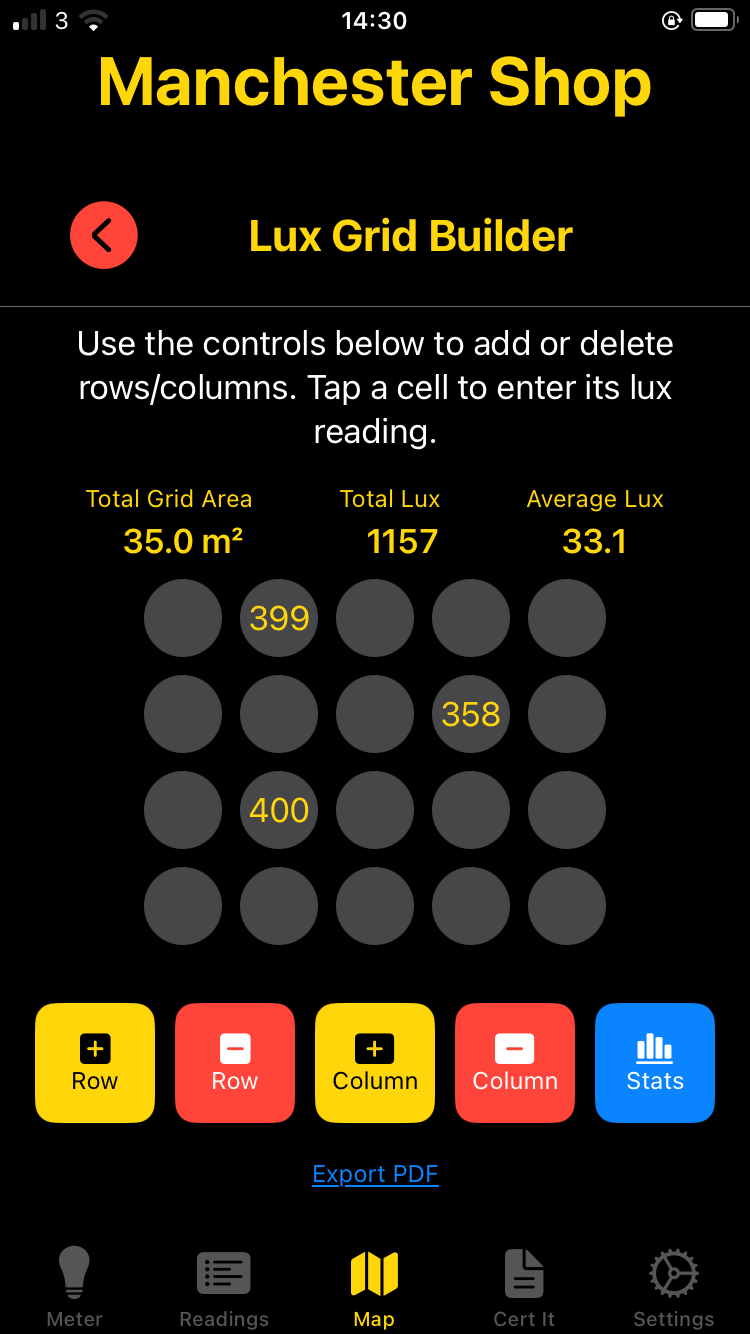
The lighting grid tools in Lux Meter Pro let you build a room grid, tap each cell to record measured lux, and instantly see total and average lux for the whole area. Perfect for planning a new install or checking how well an existing layout really performs.
Grids give you a structured way to measure and visualise how light is distributed across a room, not just at a single point.
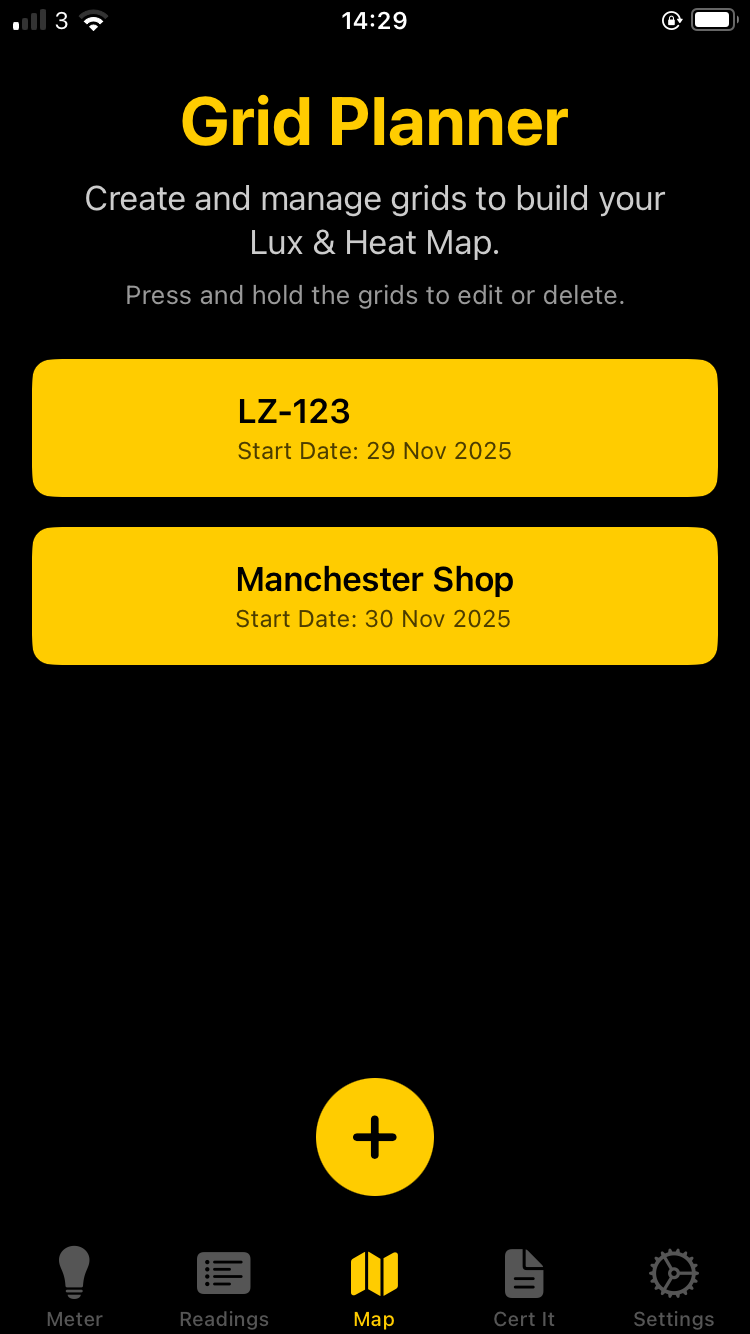
Start by creating a new grid for the room youβre assessing. Give it a job reference and basic address details so your lux map is always tied back to a real project and location.
In the app, the CreateGridView screen lets you create a new lighting grid with:
gridId used to
link your CSV data and PDF reports to this grid.When you tap βCreateβ, Lux Meter Pro:
grids.json file.gridId.csv with row/column placeholders for lux values.
Once your grid is created, open it in the Room Grid view. You can tap any cell, input the measured lux and add a light reference to build a complete lux map of the space.
The RoomGridView uses a dictionary of LuxCell objects (keyed as row_column) to hold your readings.
Tapping a cell opens CellInputView, where you can:
Youβre not locked to a fixed 8Γ8 grid. Use the controls at the bottom to:
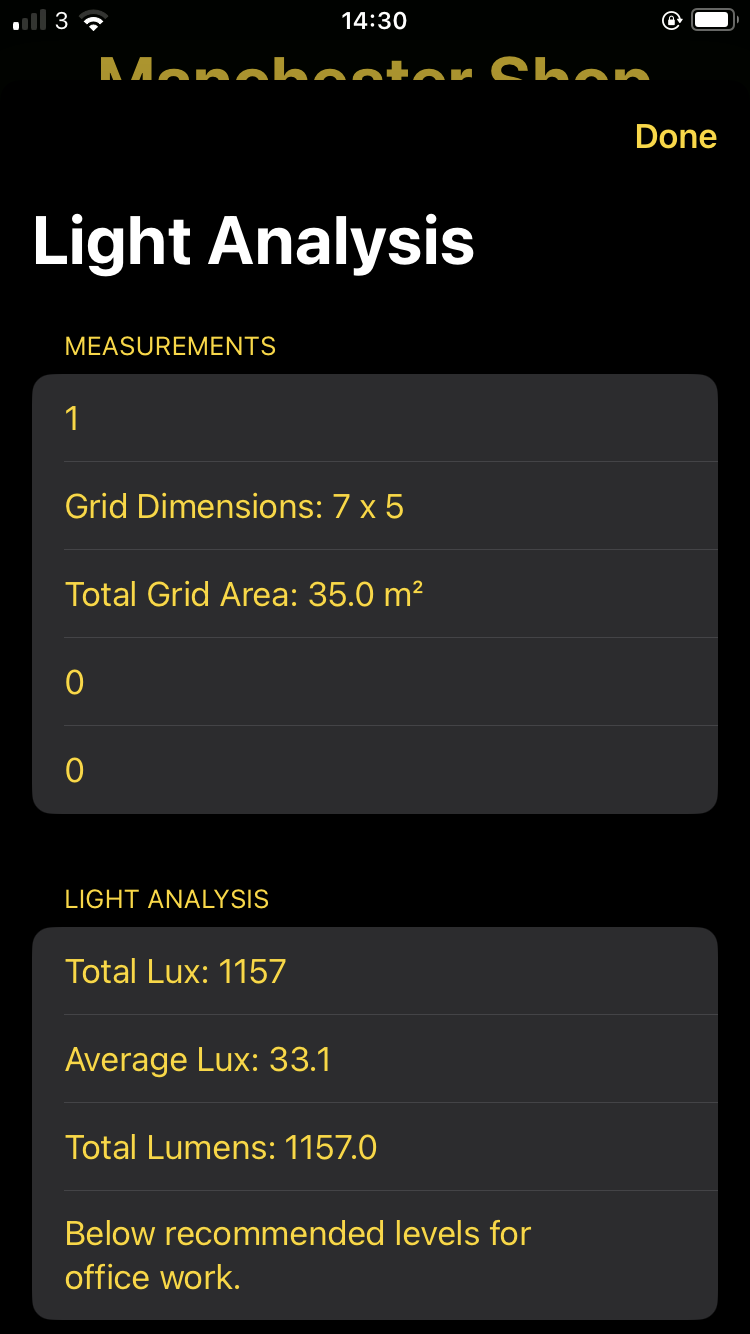
As you fill in more cells, Lux Meter Pro automatically calculates total and average lux, plus grid area. This helps you decide where extra fittings are needed or where you can safely reduce lighting.
At the top of RoomGridView, the app shows a live stats bar:
With this, you can:
When youβre ready, tap the PDF export control to generate a heatβmap style PDF:
Common questions about lighting grids, lux mapping, and using the room grid feature in Lux Meter Pro.
A lighting grid divides a room into a structured layout of cells, allowing you to record measured lux values at each point. This creates a complete map of light distribution across the space.
Benefits of using lighting grids:
Each cell in the grid typically represents 1 square metre. Match your grid dimensions to your room size:
You can add or remove rows and columns at any time, so start with your best estimate and adjust as needed.
Recording lux values is simple and intuitive:
Pro tip: Long-press a cell to clear it if you entered the wrong value.
Total lux is the sum of all lux values recorded across the entire grid. It gives you an overall measure of the light output in the space.
Average lux is the total divided by the number of cells with values, giving you the mean illuminance level for the room.
Why average lux matters:
Yes! Tap the PDF export button in the Room Grid View to generate a professional heat map report. The PDF includes:
PDFs are perfect for client presentations, compliance records, and project documentation.
Absolutely! Lighting grids are excellent for documenting emergency lighting illuminance. Here's how:
The grid documentation provides clear visual proof of compliance for auditors and enforcing authorities.
Lux Meter Pro offers two visual styles for grid cells:
Both display exactly the same data - choose the style that works best for your reports and client preferences. You can switch between them at any time without losing data.
Correcting values is easy:
All changes are saved automatically to your grid's CSV file, so you never lose your work.
Your lighting grid data is stored securely on your device:
grids.jsongridId.csv filesYou can return to any saved grid at any time, add more measurements, regenerate PDFs, or continue a survey you started earlier.
The basic lighting grid feature is included in Lux Meter Pro. Here's what's available:
Lux Meter Pro is rated 4.9 out of 5 stars by 199 professionals. Try the grid feature today and see how it transforms your lighting surveys!
Our support team is here to help with any lighting grid questions.
Contact SupportJoin thousands of lighting designers, electricians and facility managers using Lux Meter Pro's grid mapping tools.